Select Equal Subpositions
The missing Logic Pro feature — now in Studio One and Fender Studio Pro. One shortcut. Three modes. Zero friction.
One-time payment. Instant download. All future updates included.
Buy Now Watch Demo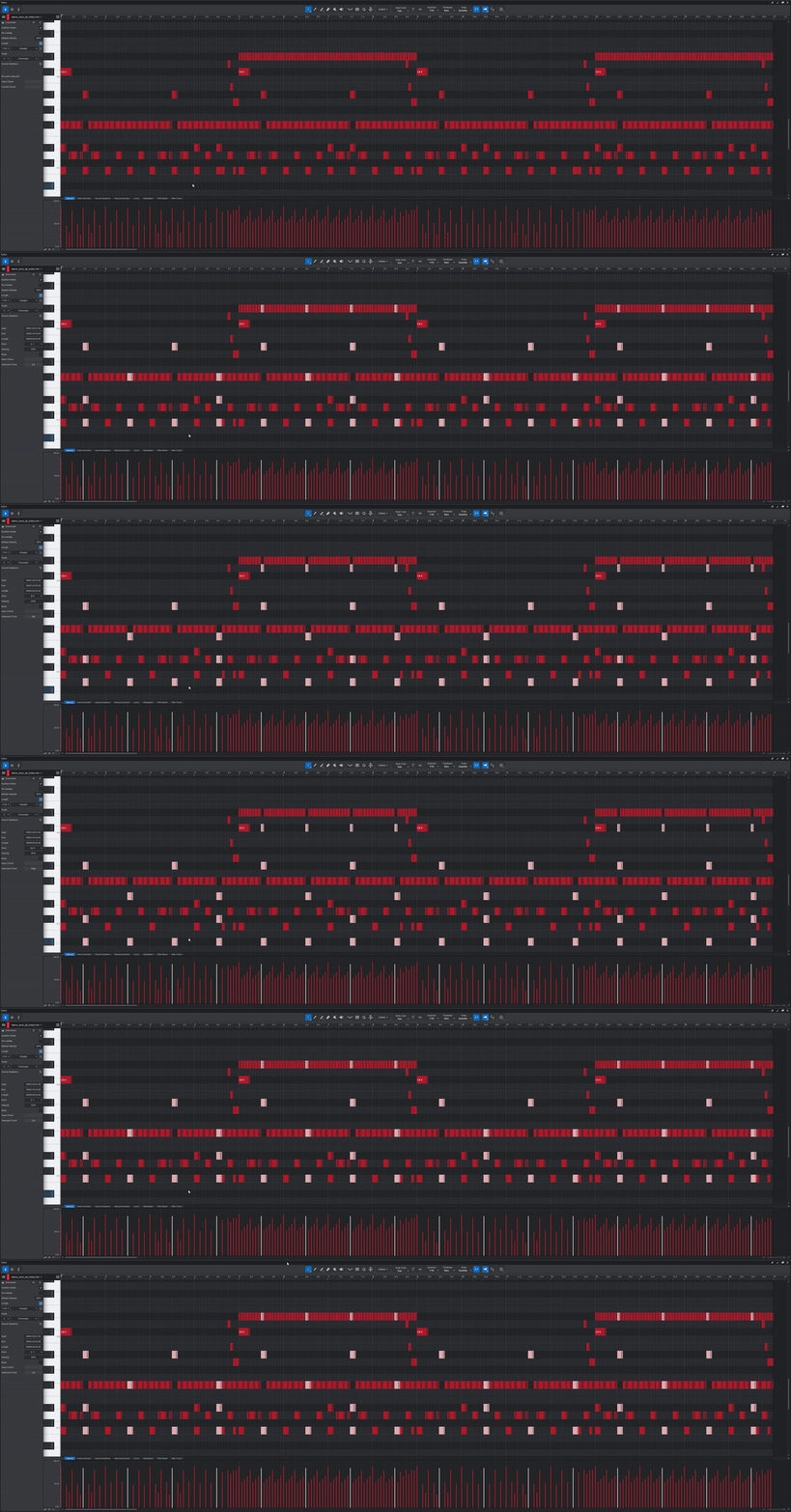
What it solves
Manual note selection is tedious
Clicking notes one by one across 32 bars? That's hundreds of clicks for a simple edit.
No built-in subposition select
Logic Pro has it. Cubase has similar tools. Studio One doesn't — until now.
Humanized MIDI breaks selection
Notes shifted by humanize don't sit on exact grid. Regular select misses them.
Chord editing is surgical work
Finding every C major chord across a 4-minute song? That's not editing, that's hunting.
Three powerful modes
All Notes
Select a note — instantly select every note at that same beat position in every bar, regardless of pitch. Just like Logic Pro.
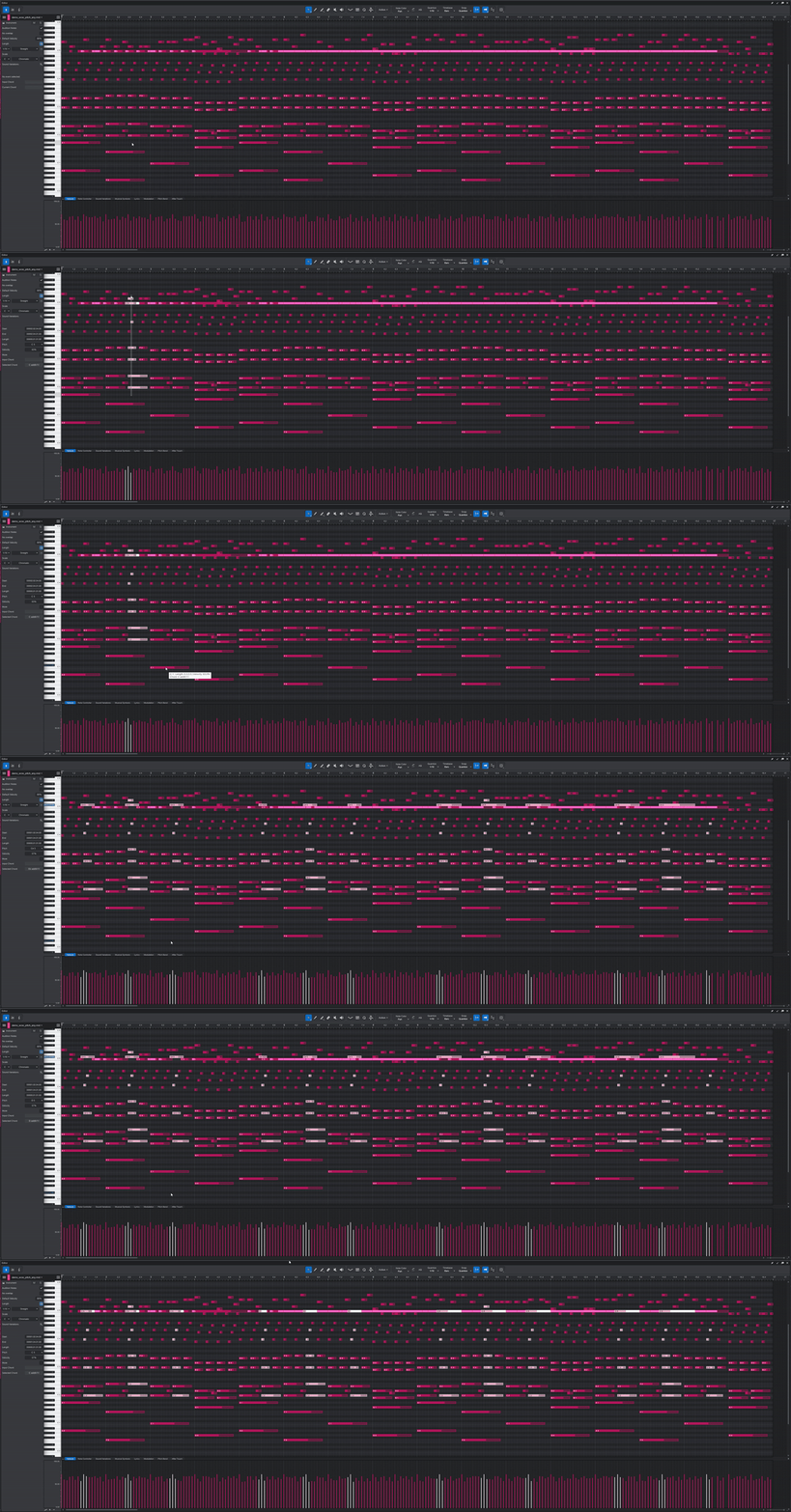
Same Pitch — Any
Finds every matching pitch at that beat position across all bars. Each pitch is searched independently — if it exists somewhere, it gets selected.
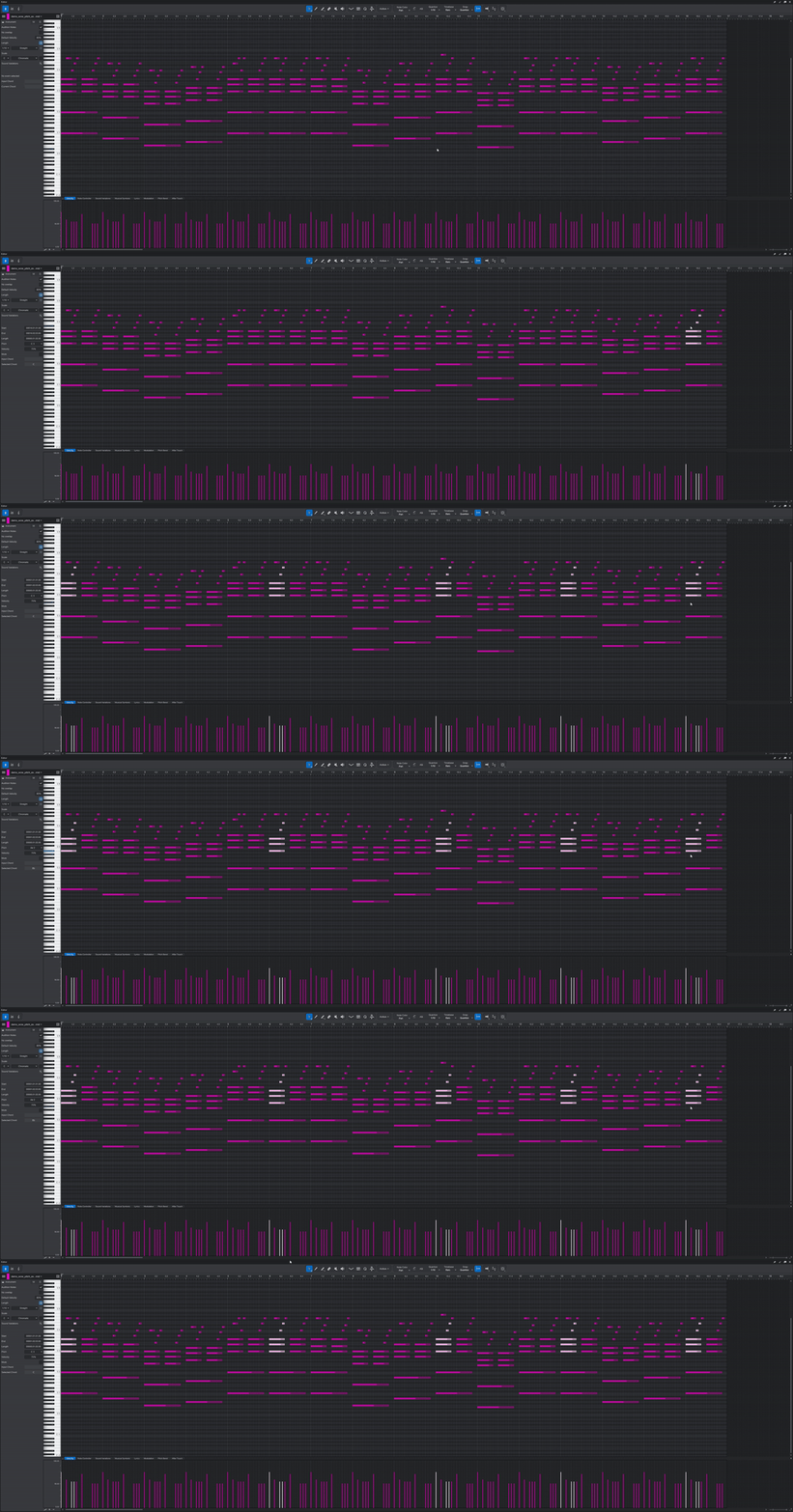
Same Pitch — Exact
Finds only bars where all selected pitches appear together at that position. Missing even one note — the bar is skipped. Precision tool for surgical MIDI editing.
Key features
Humanize-Aware
Quantized anchor positions with smart tolerance. Works perfectly with humanized MIDI up to +/-50 ticks.
Auto Time Signature
Detects 2/4, 3/4, 4/4, 5/4, 6/4, 7/4, 8/4 automatically from the DAW transport.
Any Display Mode
Works in Bars, Seconds, Samples, and Frames with intelligent fallback detection.
Safe & Reliable
If nothing is found, your original selection is restored. Safe parameter handling on any error.
Multi-Note Selection
Select multiple notes on different beats — finds all matching positions independently.
One Package
Single .package file installs all three modes. Assign keyboard shortcuts to each.
Tested everywhere
| Host | Windows | macOS Intel | macOS Apple Silicon |
|---|---|---|---|
| Studio One 6 | Tested | Tested | Tested |
| Studio One 7 | Tested | Tested | Tested |
| Fender Studio Pro 8 | Tested | Tested | Tested |
How to install
.package file after purchaseC:\Program Files\PreSonus\Studio One 6\Scripts\C:\Program Files\PreSonus\Studio One 7\Scripts\C:\Program Files\Fender\Studio Pro 8\Scripts\macOS: Right-click .app → Show Package Contents →
Contents/Scripts/FAQ
Does it work with humanized MIDI?
Yes. Smart tolerance catches humanized notes up to +/-50 ticks.
What about time signature changes?
Detects time signature at the selected note's position. Bars display mode gives best accuracy for non-standard signatures.
Can I use it on multiple machines?
Yes, install on all computers you personally own and use.
Which editions are supported?
Studio One Professional and Artist editions that support scripts.
Will I get updates?
Yes, all future updates included at no extra cost.
Can I get a refund?
Because this is a digital download, sales are generally final once access begins. If the product is faulty or not as described, email support@shmlv.com and I'll help fix it or provide the appropriate remedy under applicable law.
One-time payment. Instant download. All future updates included.
Buy Now